Own it.
Your art. Your tools.
A native image editor for Mac. Layers, masks, Curves and on-device upscaling, bought once and kept for good.
Mac with Apple silicon · One year of updates included · Subscription not required
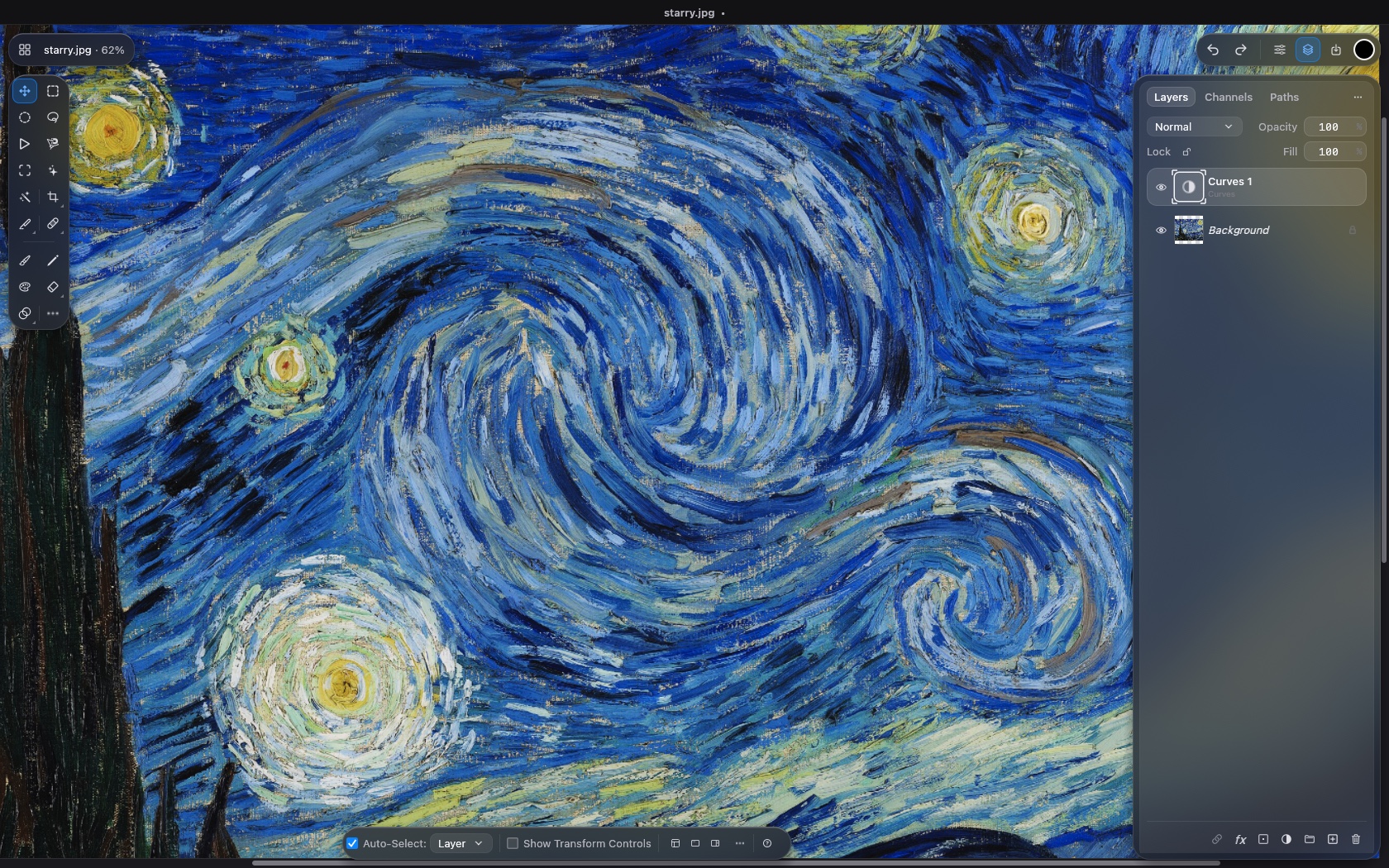
Optimized for performance.
Tools you're familiar with.
Open a 30 MP TIFF before you finish blinking.
Opened. Your eyes are still closing.
Internal measurements on Apple M5 Max, October 2026. Results vary with hardware and document.
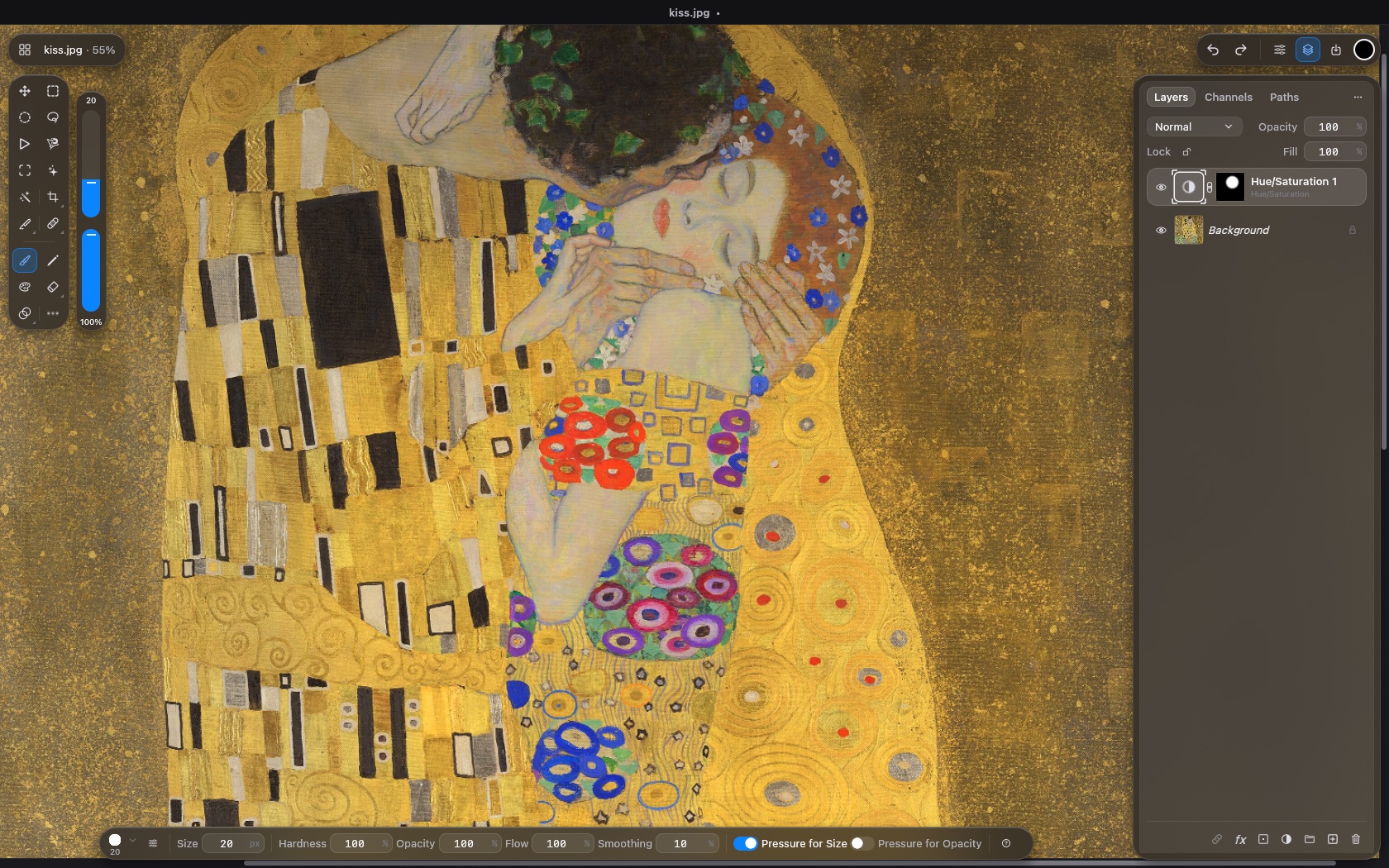
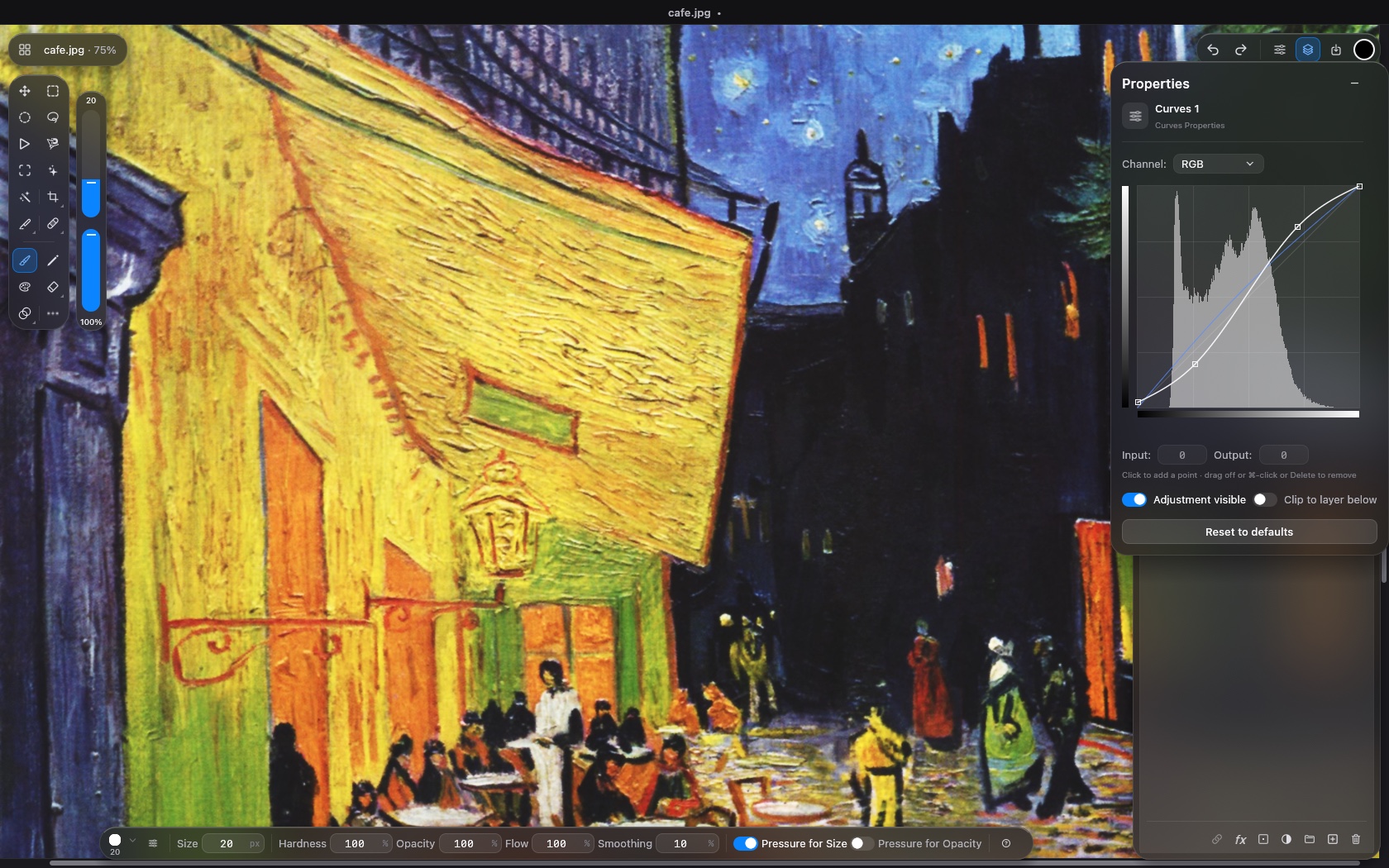
Every layer,
still yours to change.
Layers, masks, selections and blend modes. Curves and Levels redrawn in milliseconds. Nothing is flattened until you say so.
Sixteen times
the pixels.
Enlarge 2×, 3×, or 4× on each side. Preview the difference before you commit. All on your Mac.
24 MP to 384 MP in 2.9 seconds in our M5 Max test. Internal development measurement, October 2026; results vary with hardware and document.
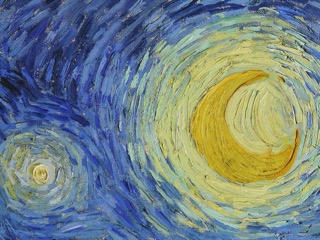
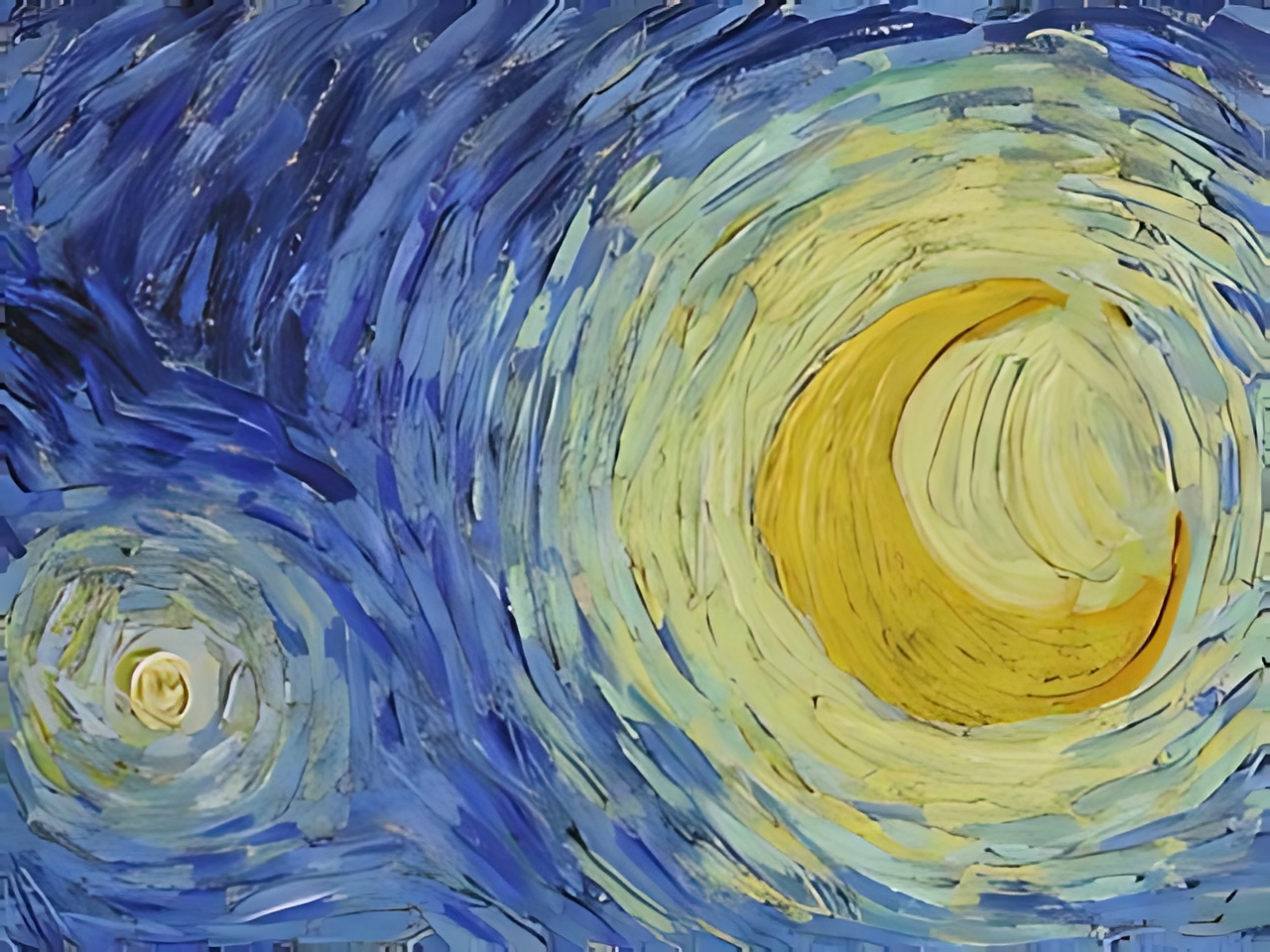
Real Foto Upscale output from a 320 × 240 crop of The Starry Night. Move across the image to compare.
Bought.
Not rented.
Stop paying. Keep creating.
Your version keeps working whether or not you renew updates.
Your files stay your call.
Open, edit and export with your purchased version, even after the update year ends.
Your images never leave.
Editing and Foto Upscale run on your Mac. No cloud, no uploads, no training on your work.
One payment.
That's the bill.
Optional updates after year one: $12.99/year, cancel anytime. Cancel and your copy keeps working.
Requires a Mac with Apple silicon (M1 or later) · macOS [version] or later · [disk space] free
Already bought Fotofied?
Download FotofiedSecure checkout via Stripe · 14-day refunds
All of it.
Already here.
Fifty-two tools, sixteen adjustment layers and the file formats you already use. No add-ons, no tiers, nothing extra to buy.
Clear from
the start.
Do I have to pay every year?
No. $24.99 buys your version to keep and includes a year of updates. After that, updates are an optional $12.99/year subscription you can cancel anytime.
Which Macs does it run on?
Macs with Apple silicon. Intel Macs aren't supported.
What happens if I don't renew updates?
You keep using the version you have. Renew whenever you want the newer releases.
Can I work with PSD files?
Yes, import and export. Complex text, filters and effects may differ, so test a few of your own files first.
Does Foto Upscale upload my images?
No. The model runs on your Mac and your image stays there.
How many Macs can I use it on?
Up to 2 of your Macs at a time. Got a new Mac? Move your license to it whenever you like.